
Websites for contractors and home service businesses.
Most of this traffic arrives on a phone with a specific job already in mind. The site has minutes to confirm you do that work, you cover that address, the work looks like this, and here is how to reach a human. Cross X Agency builds that path and hands the business the keys.
A homeowner makes five decisions before they ever call you.
None of them are about your logo. A contractor site earns the call by answering the obvious questions faster than the other three tabs the homeowner has open.
Do you do this exact job
Interior repaint, exterior repaint, cabinet refinishing, and commercial work are different purchases. One combined services page answers none of them, so each service you want to sell gets a page written the way a homeowner describes it.
Do you come to my address
Coverage is stated plainly, by the areas your crews actually work, so a visitor can confirm it in one glance instead of guessing from a footer list of city names.
Does the work look like mine
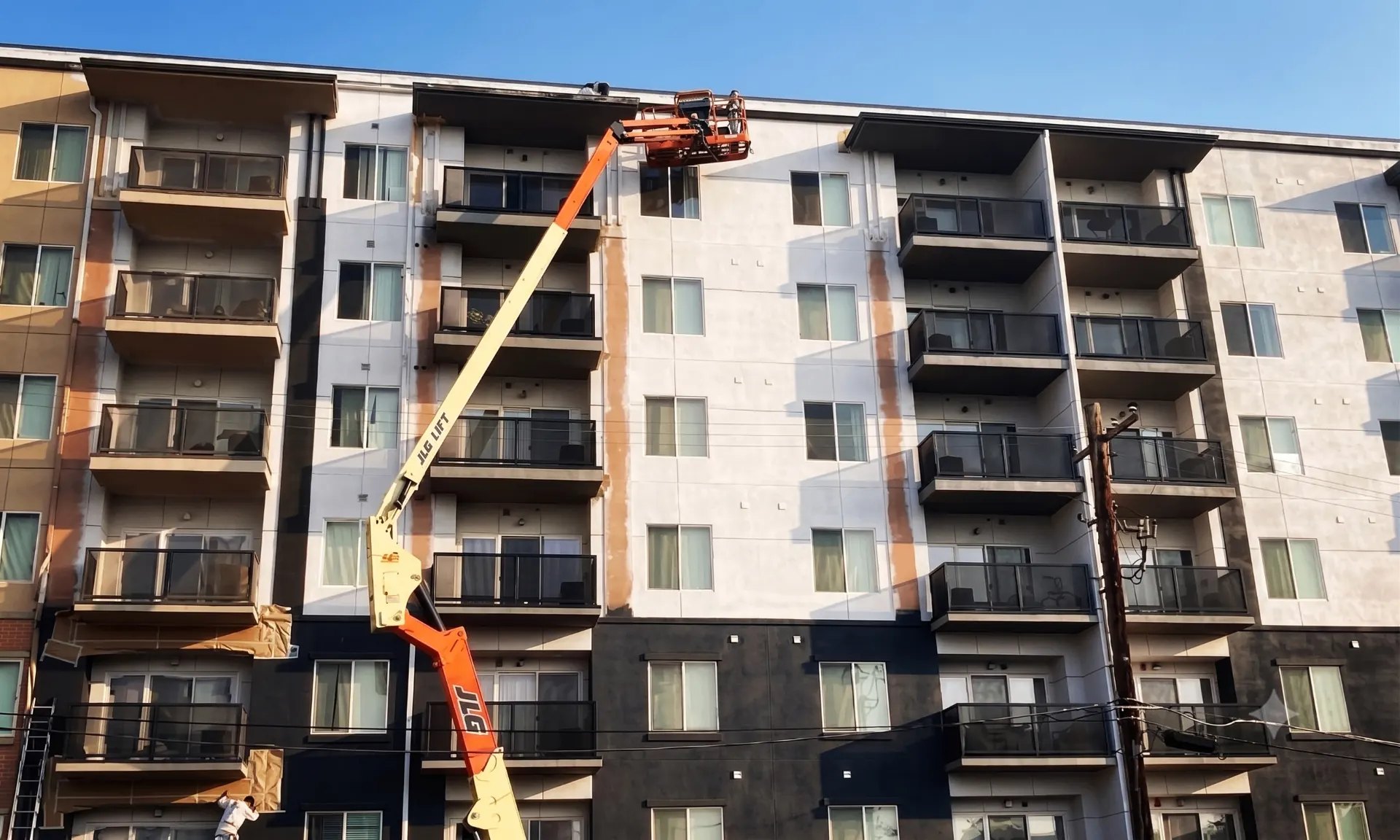
Real jobsite and crew photography placed next to the matching service, with accurate captions. Nothing borrowed, nothing generic, no invented awards or numbers.
How do I get a price
One route to an estimate, on every service page, asking only what an estimator needs to prioritize the walkthrough. Phone required, because estimates get scheduled by phone.
Will this work on my phone
Click to call reachable at any scroll depth, tap targets sized for a thumb, photos that load on a job site connection, and forms that submit on the first try.
What the build actually covers.
The site is one part of a path that ends in a booked job, so it gets built alongside the handoff and the tracking rather than shipped and forgotten.
Page plan
We start from the services you want more of, the margins and capacity behind them, and the territory you can staff. That decides which pages exist and which ones are not worth building yet.
Service and area structure
A page per sellable service, area pages only where crews genuinely work, and internal links that tie services, areas, and project proof together instead of leaving each page stranded.
Proof placement
Photography, reviews, licensing, and insurance information you supply, placed next to the request path where a hesitant visitor is actually looking.
Estimate and call path
The request form is scoped to job type with a required phone field and optional photos, and the mobile call path is treated as a first class route rather than a header afterthought.
CRM handoff and tracking
Submissions and calls land in a pipeline stage with a named owner and an alert to the person who responds. Call, form, and booking events are configured and verified before launch, not after.
Launch and ownership
Redirects mapped from the old URLs, analytics continuity confirmed, then documentation and account access transferred so the site does not depend on staying with an agency.

Contractor work already running this way.
Named with permission, described by scope only. No revenue, lead totals, rankings, or campaign performance are claimed on this page.
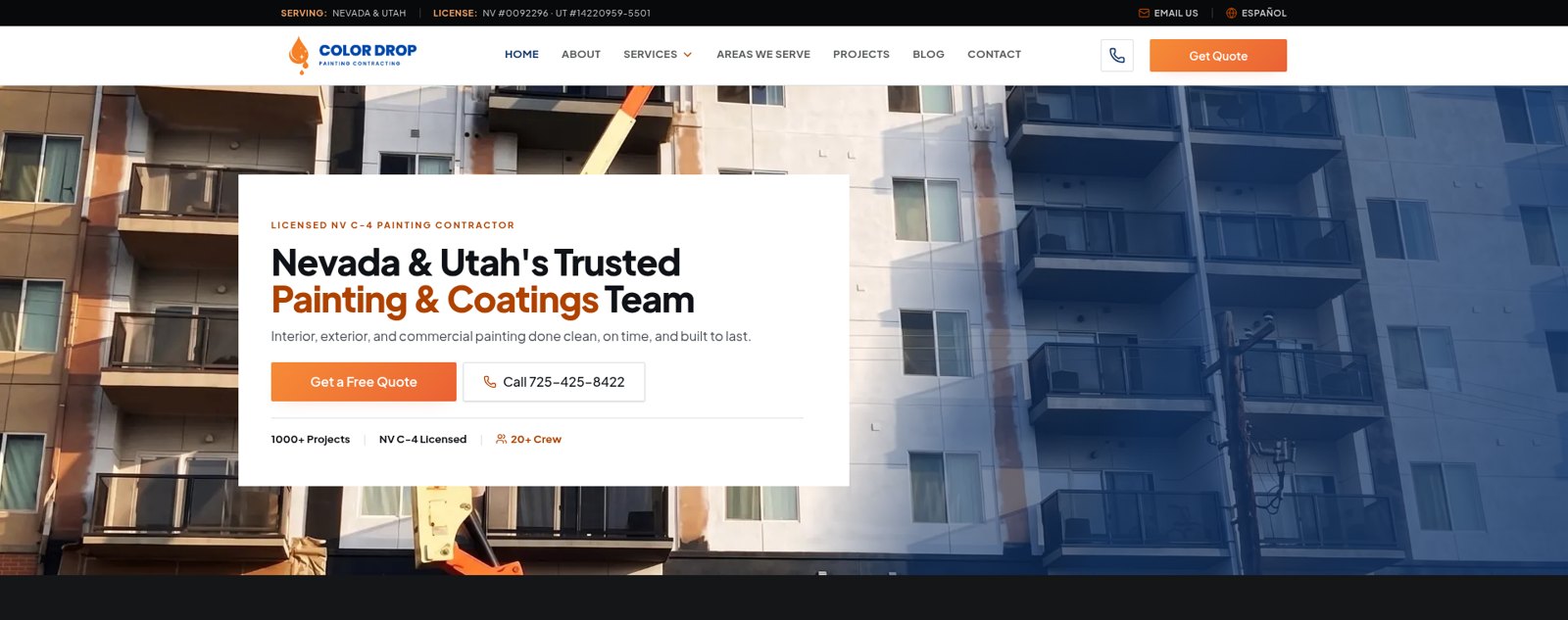
Color Drop Painting
Website and CRM built together, so an estimate request reaches a pipeline with an owner and the accepted or rejected outcome stays visible. Jobsite and crew photography was produced by Cross X Agency for the site and for posting.
Las Vegas. Website, lead path, CRM, photography.
Versatile Coatings Hawaii
Website built by Cross X Agency, with the CRM backend and the form to pipeline flow connected so an inquiry reaches a person instead of an inbox. Cross X Agency also built the initial local search foundation, and early organic search clicks have begun to appear.
Hawaii. Website, CRM backend and lead flow, initial local search.
Rocket Air Conditioning
Website and CRM backend built by Cross X Agency. Some video was produced for them as a supporting part of that engagement rather than the engagement itself.
Las Vegas. Website and CRM backend, with some video.
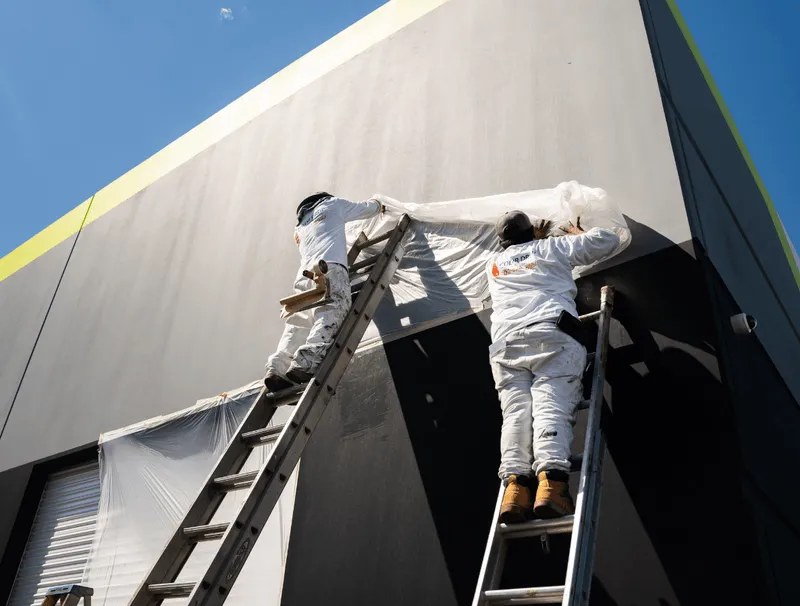
Every image on this page is work Cross X Agency produced for a client. Nothing here is stock, and no result is attributed to a single piece of the build.
The site is only the first half of lead capture.
A site can be doing its job while the money still leaks after the submit button: no owner on the request, no alert, no second follow-up, no record of what happened to the quote. When that side is broken too, it gets installed as one piece of work instead of patched tool by tool. Cross X Agency calls that installation CRM and automation.
Cross X OS is the software installed underneath it: the CRM and pipelines your estimators work from, routing and alerts, automated follow-up, tracking, and reporting.
The installed account runs at $497 per month. Setup is scoped to your lead sources, pipelines, and automations, and quoted before anything starts. If Cross X Agency runs the wider growth work around it, that retainer is quoted for the business.
Before you buy.
How many service and service area pages do we need?
Only as many as the company can support honestly. Every service you actually want to sell earns a page, and areas earn a page where your crews genuinely work. Padding a site with towns nobody drives to creates thin pages that never get read or ranked.
Can you keep our current site and only fix the estimate path?
Sometimes. If the pages are structured reasonably and the platform can be edited, the faster work is the request path, the call behavior on mobile, the routing, and the tracking. We say which of the two is the better spend after looking at the current site.
What happens to our search visibility if we rebuild?
Existing pages and URLs are inventoried before anything is replaced, redirects are mapped before launch, and pages that already earn visits carry across. Analytics stays continuous so the change can actually be measured after launch.
Do we own the site and the accounts?
Yes. Domain, hosting, analytics, content, and the source files stay in your name, and access is handed over with documentation of where forms go and what is tracked.
Send us the site you have now.
Tell us the services you want more of and the areas you actually cover. We will tell you whether the answer is a rebuild, a repair of the estimate path, or something smaller than both.